 DeskView
Always desktop
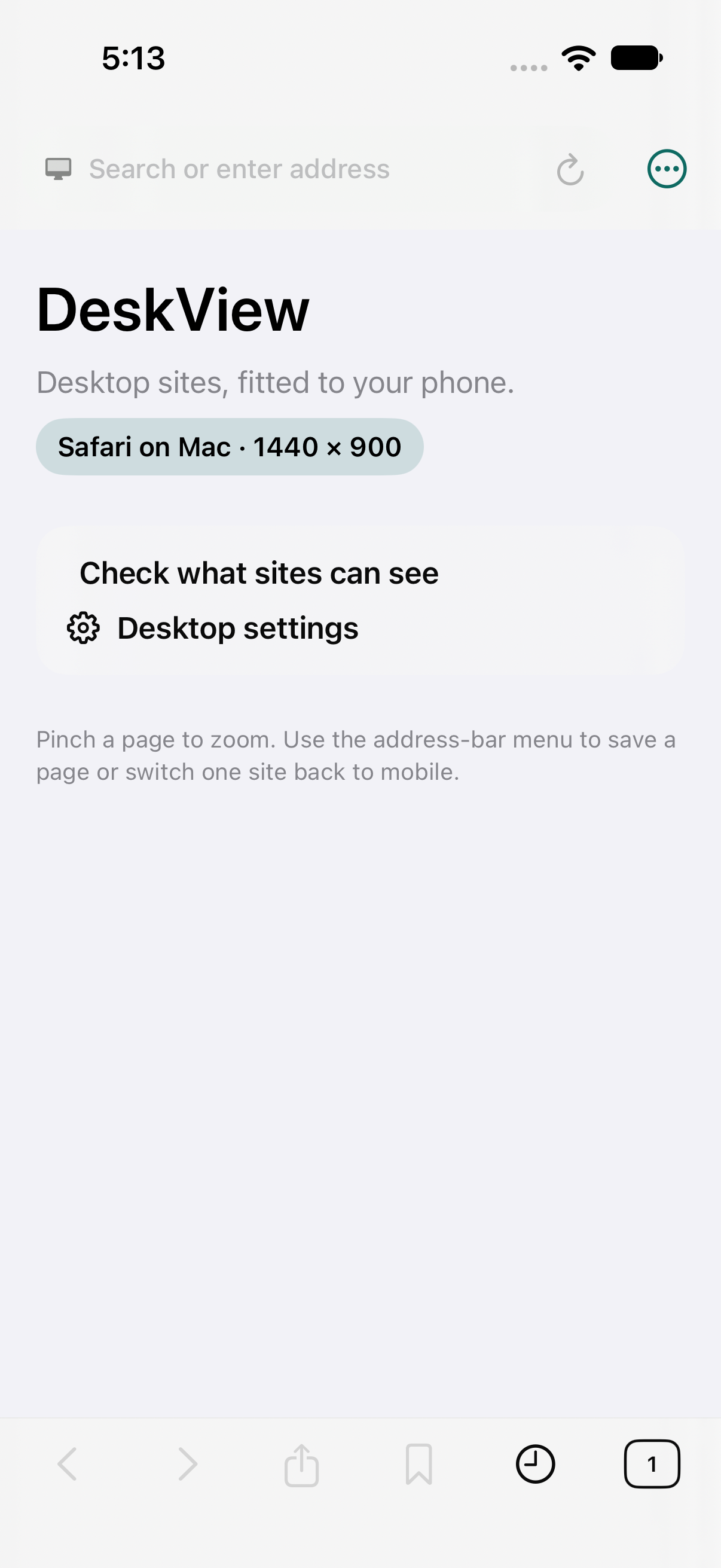
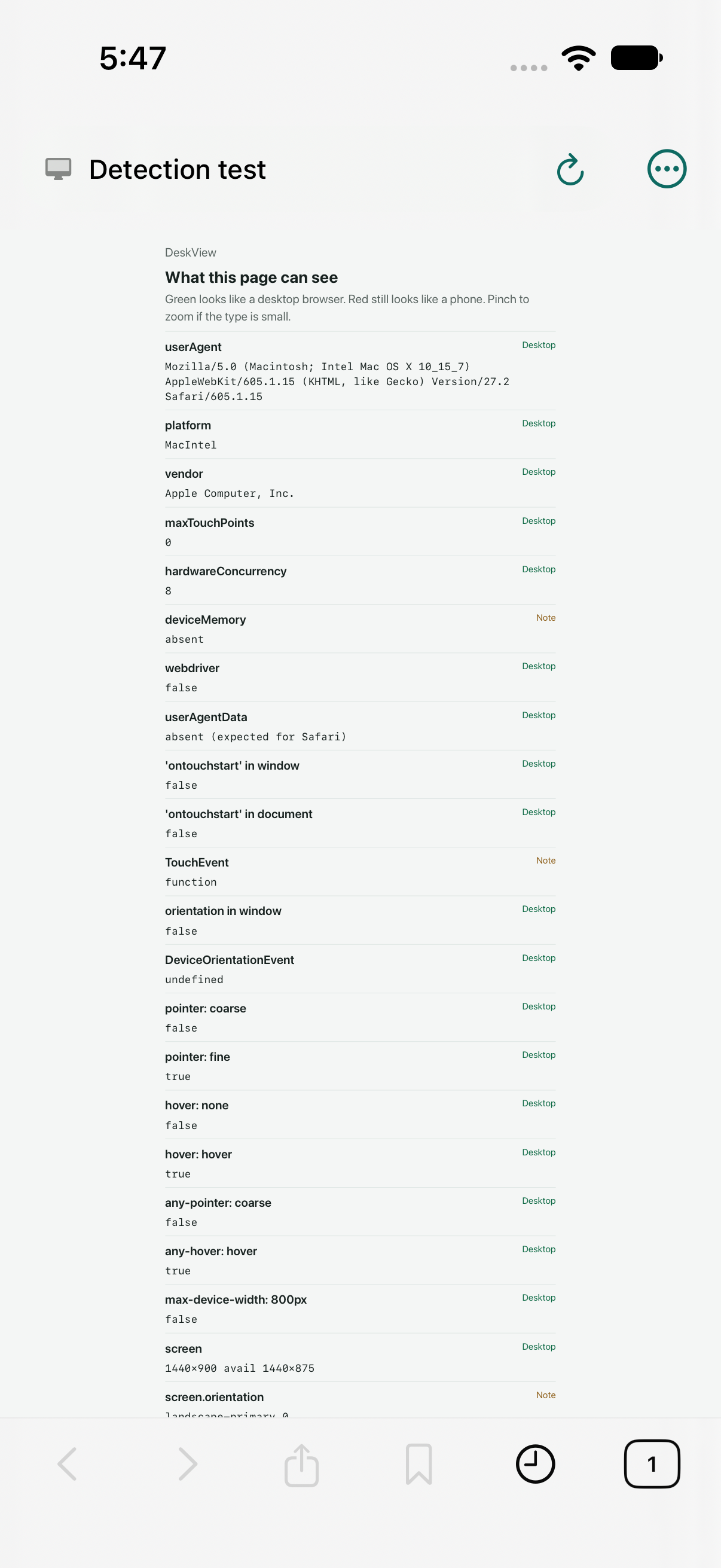
A desktop user agent, desktop content mode, and a 1280, 1440, or 1920 viewport — so pages lay out the way they would on a Mac.
An iPhone browser by WanderWay Software
DeskView is a WebKit browser that always asks for the desktop version of a site — the same layout you’d see on a Mac — then fits it to your phone.
It sends a desktop user agent, uses desktop content mode, and lays pages out at a 1280, 1440, or 1920 viewport. You still get tabs, favorites, offline reading, and a native PDF viewer.
Free to use for everyday desktop browsing. DeskView Pro is a one-time $2.99 unlock. No account, no analytics, no server.
Features
Many sites still ship a thinner mobile layout to phones. DeskView tells them you’re on a desktop, and gives the page the width of one.
A desktop user agent, desktop content mode, and a 1280, 1440, or 1920 viewport — so pages lay out the way they would on a Mac.
A full browser chrome on iPhone: an address bar, tabs, favorites, and history, without a sign-in.
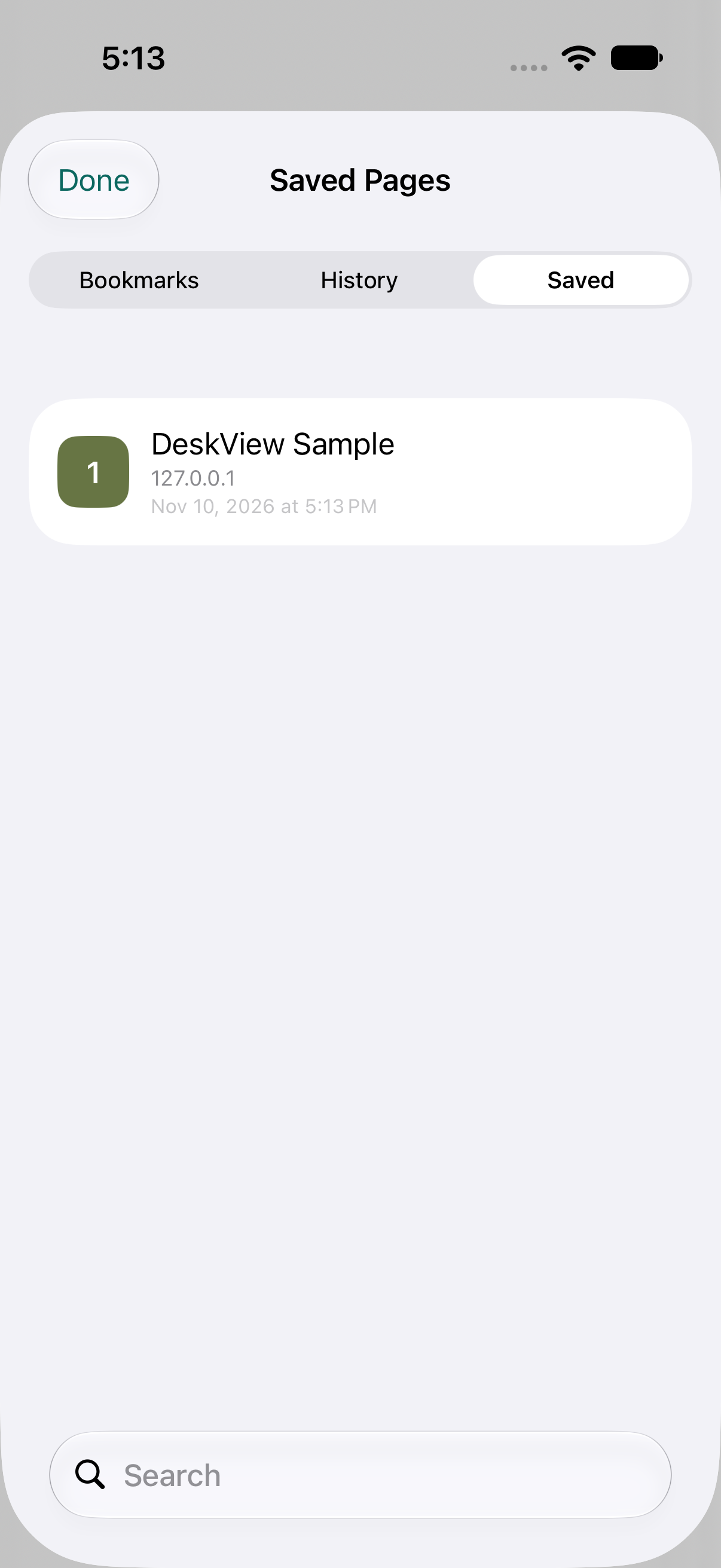
Keep a page in Saved Pages and open it later with no connection. Free includes 10 saved pages; Pro removes the limit.
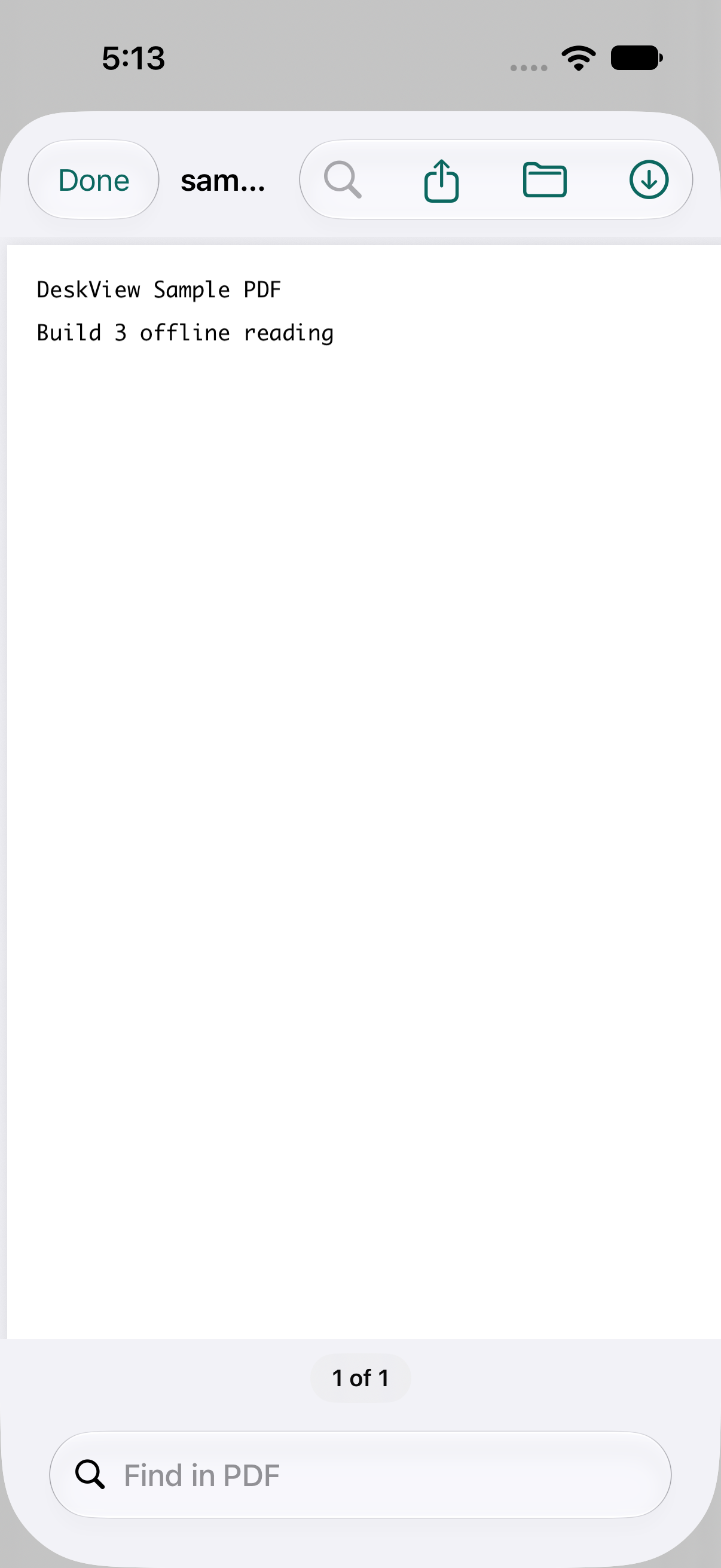
Open PDFs with zoom, a page count, and search, then Share them or Save to Files. Highlighting is part of Pro.
For sites such as Google, YouTube, Apple, and Microsoft, DeskView can open a standard phone-sized sign-in window that shares the app’s cookies, then return you to the desktop site signed in.
No accounts, no analytics, and no DeskView server. History, favorites, saved pages, and website data stay on your iPhone. Purchases go through Apple.
In the app
Screenshots from current TestFlight builds. DeskView is in testing and is not on the App Store yet.
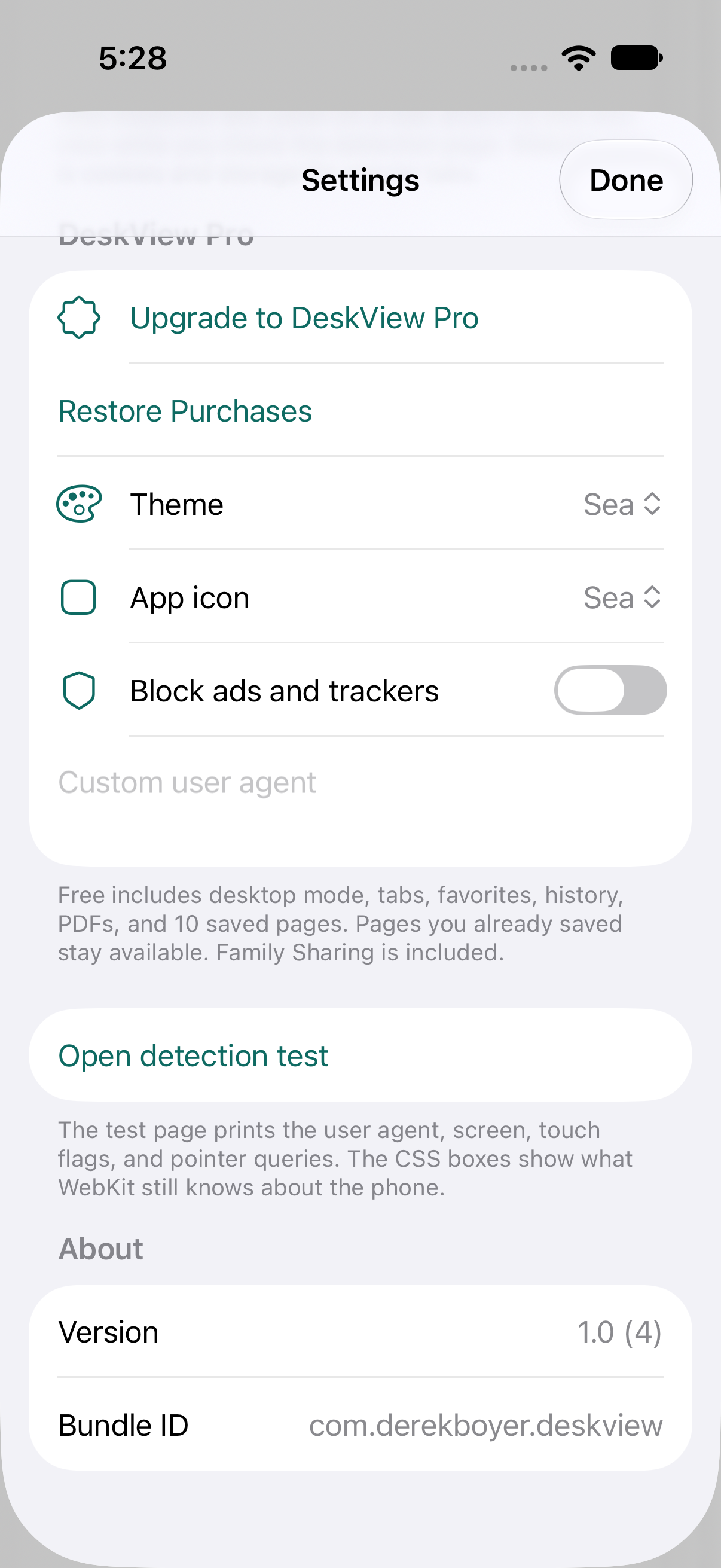
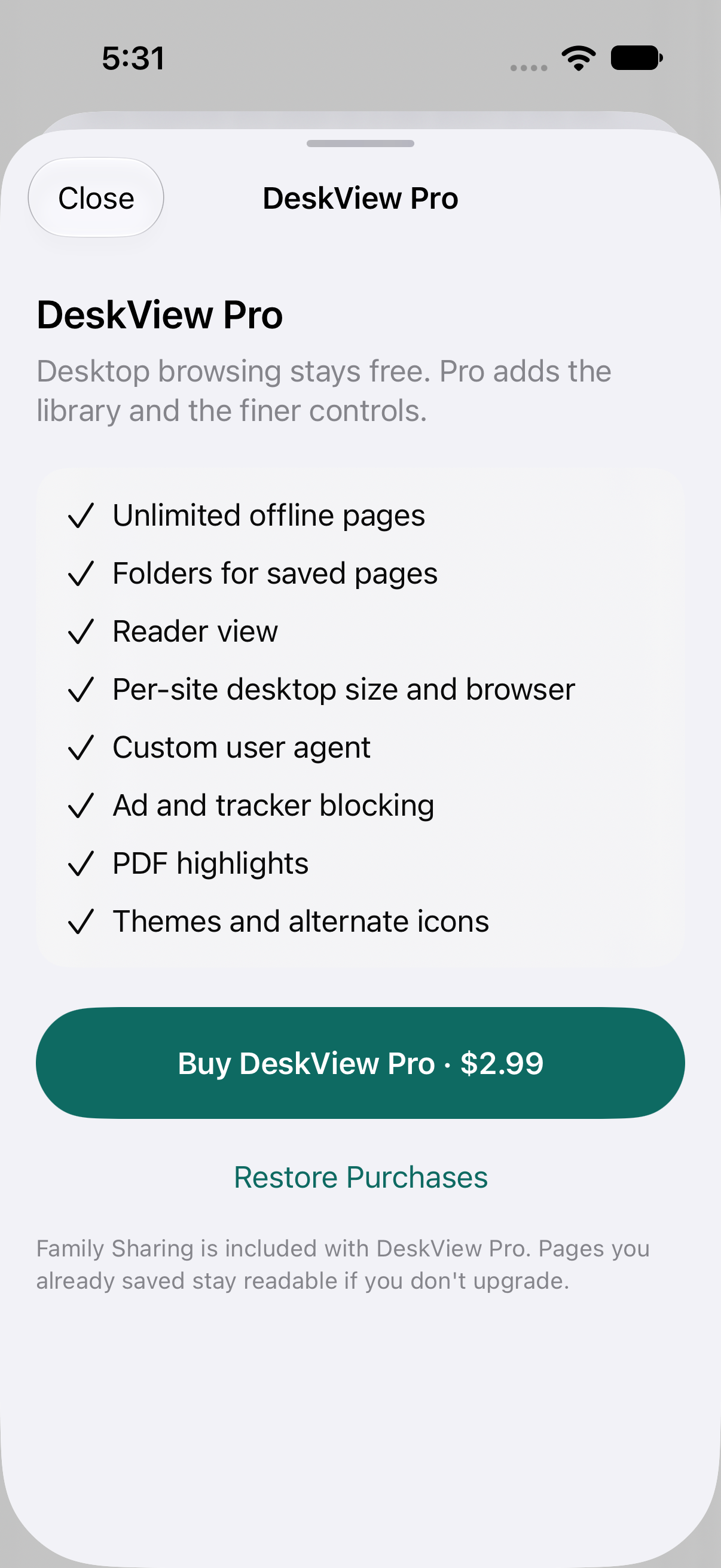
DeskView Pro
$2.99, one timeDesktop browsing, tabs, favorites, history, PDF viewing, and 10 saved offline pages stay free. Pro is a single in-app purchase through Apple — no subscription and no account.
There’s also an optional tip jar if you want to give more. Pages you already saved stay readable if you never upgrade.
Privacy
DeskView is published by Derek Boyer / WanderWay Software LLC. The app has no accounts, no analytics, and no server of its own.
History, favorites, saved pages, and website data stay on the device.
DeskView Pro and tips are handled by StoreKit. We never see your payment details.
No cookies, no analytics, and no third-party scripts. Read the privacy policy.